

Image enhancement
Sharpen soft areas and refine texture while preserving the character of the original photo.
AI IMAGE & PHOTO ENHANCER
Enhance photo quality from an image you already have. Sharpen soft detail, restore worn prints and enhance to 4K, with dedicated upscaling up to 8K. No face swaps or added people. Start by choosing a photo without signing up.
No signup requiredJPG, PNG, WEBP · up to 15 MB · 40 megapixels
Drop a photo here, or paste from your clipboard
No signup. Private by default.
AI processing uploads your selected photo securely. Files in Enhance Photo storage expire within 24 hours; upstream retention is described in our Privacy Policy.
Illustrative examples show the editing goal. Compare processed results with your original photo.
WORK WITH THE PHOTO YOU HAVE
Improve clarity, repair a print, refine product detail or change the framing. Each task starts with your existing image and a specific editing goal.
Sharpen soft areas and refine texture while preserving the character of the original photo.
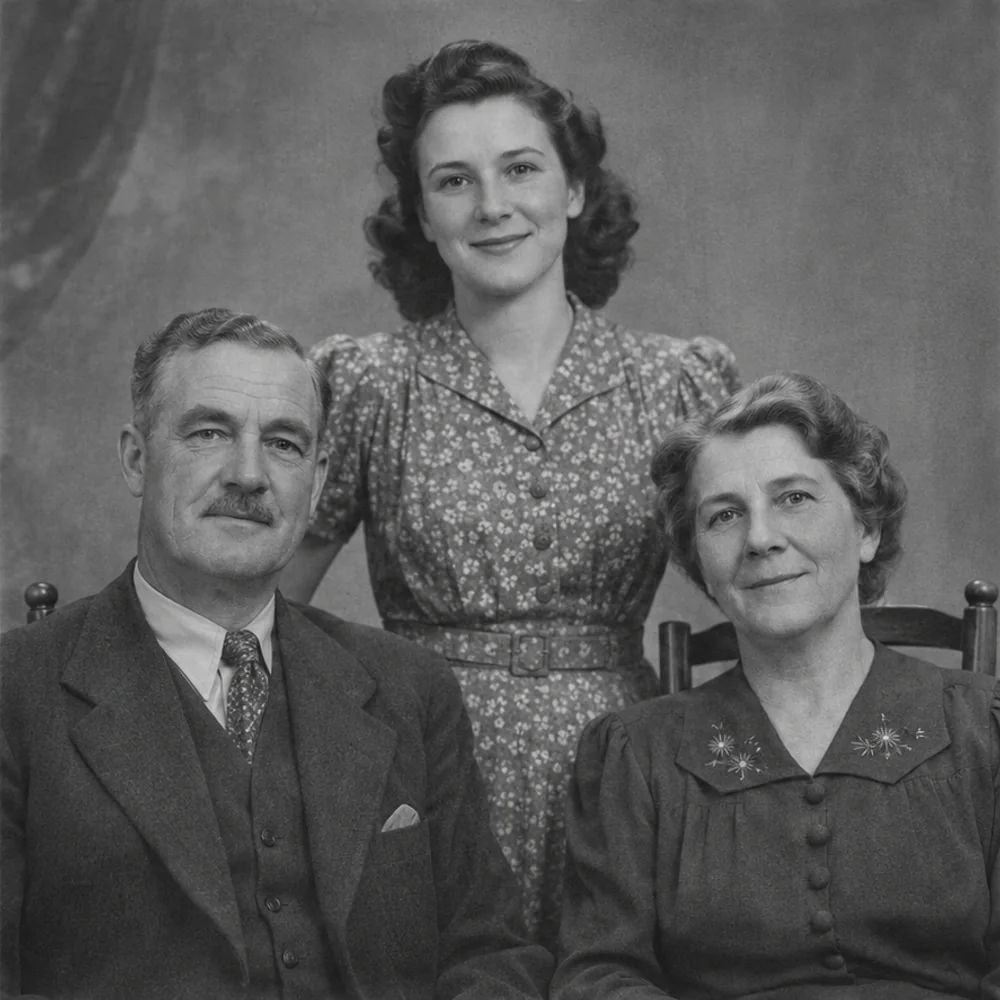
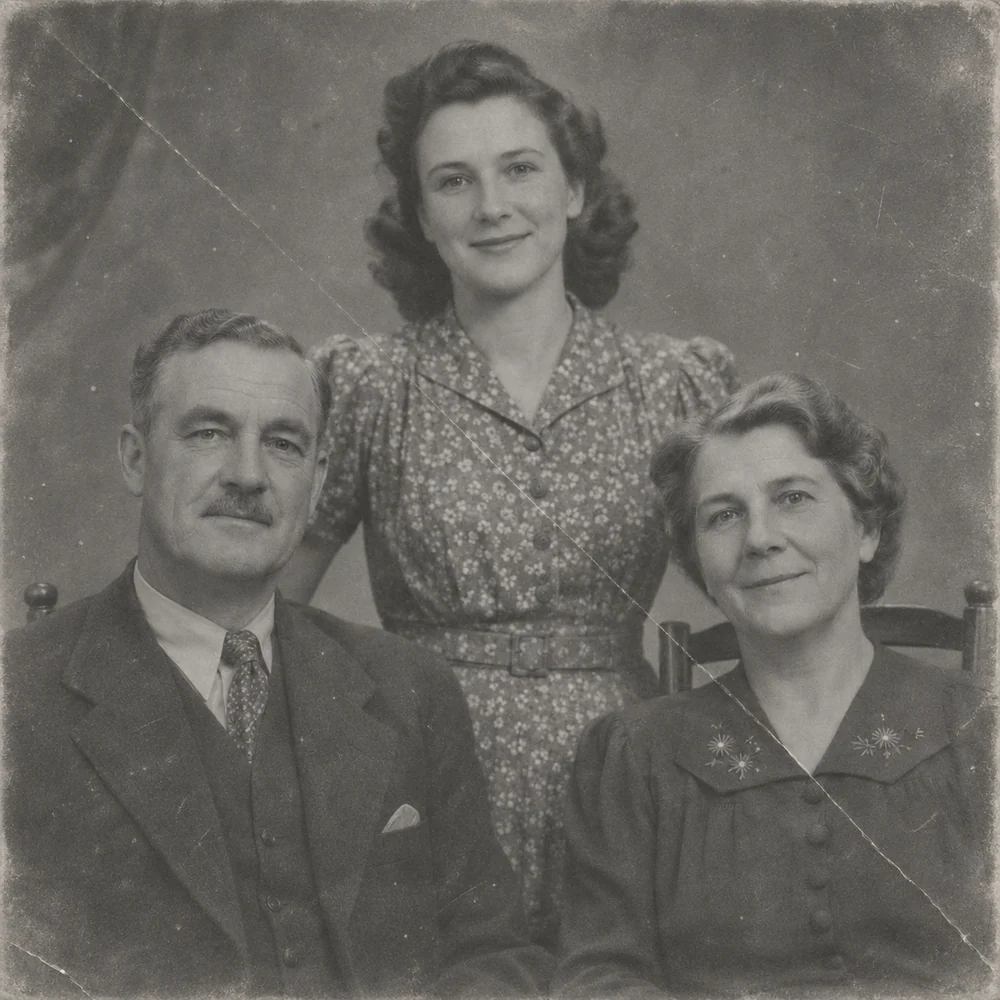
Treat scratches, folded edges, faded areas and stains on a family print or scanned photograph.
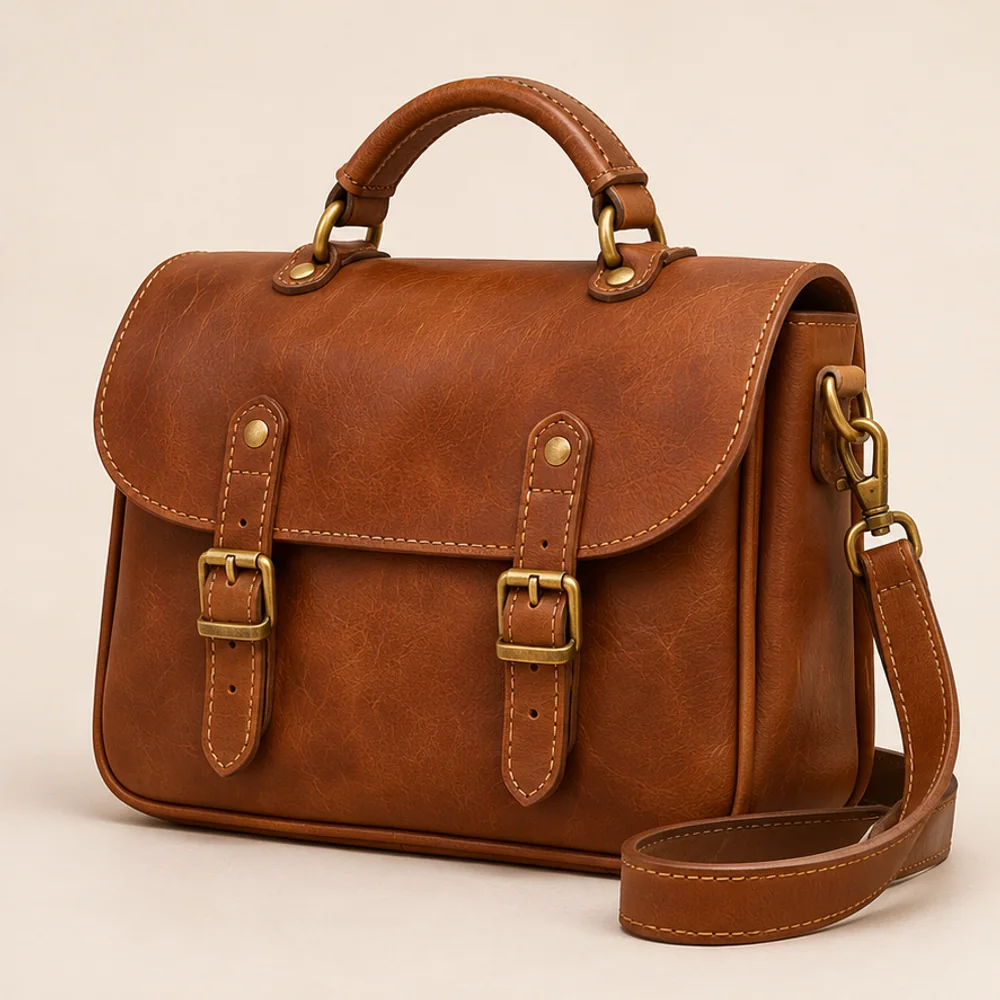
Bring out material, stitching and clean edges. Check lettering and branding against the source.
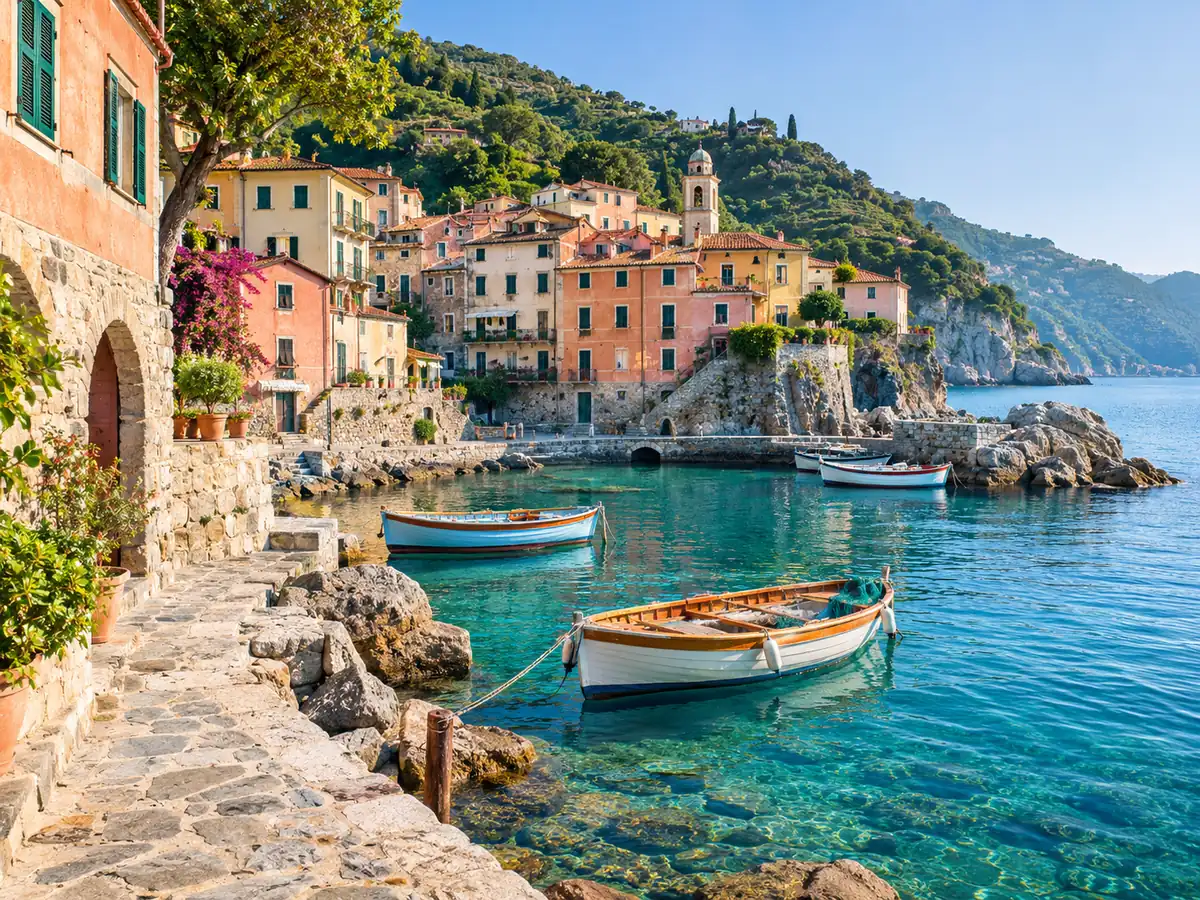
Extend the canvas for square, portrait, landscape or custom layouts using your photo as the starting point.
Review signals about an image’s origin. Treat a detection result as a clue, never conclusive proof.
ONE TOOLKIT, DISTINCT TASKS
Choose enhancement, restoration, creative styling, extension, removal or image-origin analysis. Use the dedicated tool when your photo needs a specific kind of attention.
Enhance photo quality online. Unblur, sharpen and restore old photos, then upscale to 4K. No signup, no face changes, files deleted in 24 hours.
Open toolReduce mild blur and bring definition back to faces, edges and everyday details without changing who is in the picture.
Open toolImprove the readability of soft screenshots, photographed notes and scanned pages with focused text enhancement.
Open toolReduce distracting light reflections on a photograph while retaining the surrounding scene and natural appearance.
Open toolRepair faded, scratched and worn family photos while keeping the character of the original picture.
Open toolColorize monochrome photographs with natural-looking tones, from family portraits to historical scenes.
Open toolCreate a Christmas portrait with a seasonal atmosphere, warm light and a carefully styled winter setting.
Open toolReimagine portraits, pets and places as a painting with expressive color and an artistic finish.
Open toolTurn a photo into printable line art for a personalized coloring activity.
Open toolCreate a cartoon interpretation of a portrait or scene with expressive shapes and color.
Open toolConvert a color photo to black and white in your browser, with a real downloadable image and no upload.
Open toolEnlarge images for clearer presentations, larger layouts and high-resolution photo projects, with options up to 8K.
Open toolExtend an image beyond its original edges to fit a new aspect ratio or leave room for a layout.
Open toolBrush over unwanted text and fill the selected area with a context-aware reconstruction.
Open toolSelect the glasses area and create an edited version of a portrait with the obstruction removed.
Open toolUse image-origin analysis as a signal to support your own review, with clear limits around certainty.
Open toolChange file formats locally in your browser. No upload, signup or AI credits are required.
CHOOSE. PROCESS. COMPARE.
Select your original, choose an enhancement option and inspect the result before saving. Keep the source so you can compare important details.
Upload a JPG, PNG or WebP up to 15 MB. A camera original or clean scan gives the treatment more usable detail.
Use Standard for everyday clarity, Pro for finer texture, or 4K enhancement. Review the selected model’s credit cost before submitting.
Move the comparison slider and inspect faces, edges and text at full size. Download the version that fits your project.
CLEAR EXPECTATIONS, USEFUL RESULTS
Enhancement works with the information in your source. A lightly soft photo and a heavily damaged print need different treatments.
Enhance clarity without deliberately replacing a face or adding people. Compare reconstructed features with your original.
Choose and preview a photo without an account. Browser converters are free; AI edits use paid credits.
AI uploads and outputs are deleted within 24 hours. Format and black-and-white conversion keep files on your device.
Use one credit balance across the AI toolkit. Buy a pack for occasional edits or choose Pro for a recurring monthly allocation.
Standard enhancement uses 4 credits per run. Both packs and Pro give access to the same model choices; the selected treatment and output determine the cost.
Buy credits once and use them across the toolkit. A Pro subscription is optional.
One-time payment. No subscription required.
40 credits
A recurring credit balance for photo enhancement, restoration and creative editing.
Billed $14.90 every month. Cancel renewal anytime.
400 credits each month
All prices are in USD. Subscriptions renew automatically at the selected billing interval unless canceled. Any applicable tax is shown at checkout.
Pro supplies 400 credits each month. Unused Pro credits roll over up to 1,200 while subscribed. Cancel renewal at any time; remaining subscription credits expire when the paid period ends. Purchased pack credits never expire and remain separate.
YOUR PHOTOS, YOUR CONTROL
Keep control of your original and download the edits you want to retain. Browser conversions stay local, and AI processing files have a 24-hour retention window.
Privacy policyFormat and black-and-white conversion happen on your device. Those photos do not need to be uploaded.
AI uploads, results and download links expire within 24 hours. Seven-day activity history does not extend that window.
We do not use uploads to train our own models. Read the Privacy Policy for information about service providers and data requests.
AI jobs use paid credits. If processing fails, the credits deducted for that job are returned.
PRACTICAL PHOTO GUIDES
A few useful checks before detection, cleanup or upscaling. Start with an image you have permission to edit.
Combine detection with context and provenance. Unusual texture or a classifier result alone cannot establish how an image was made.

Select unwanted lettering carefully and leave surrounding context. Inspect repaired edges, repeated patterns and remaining fragments after the edit.
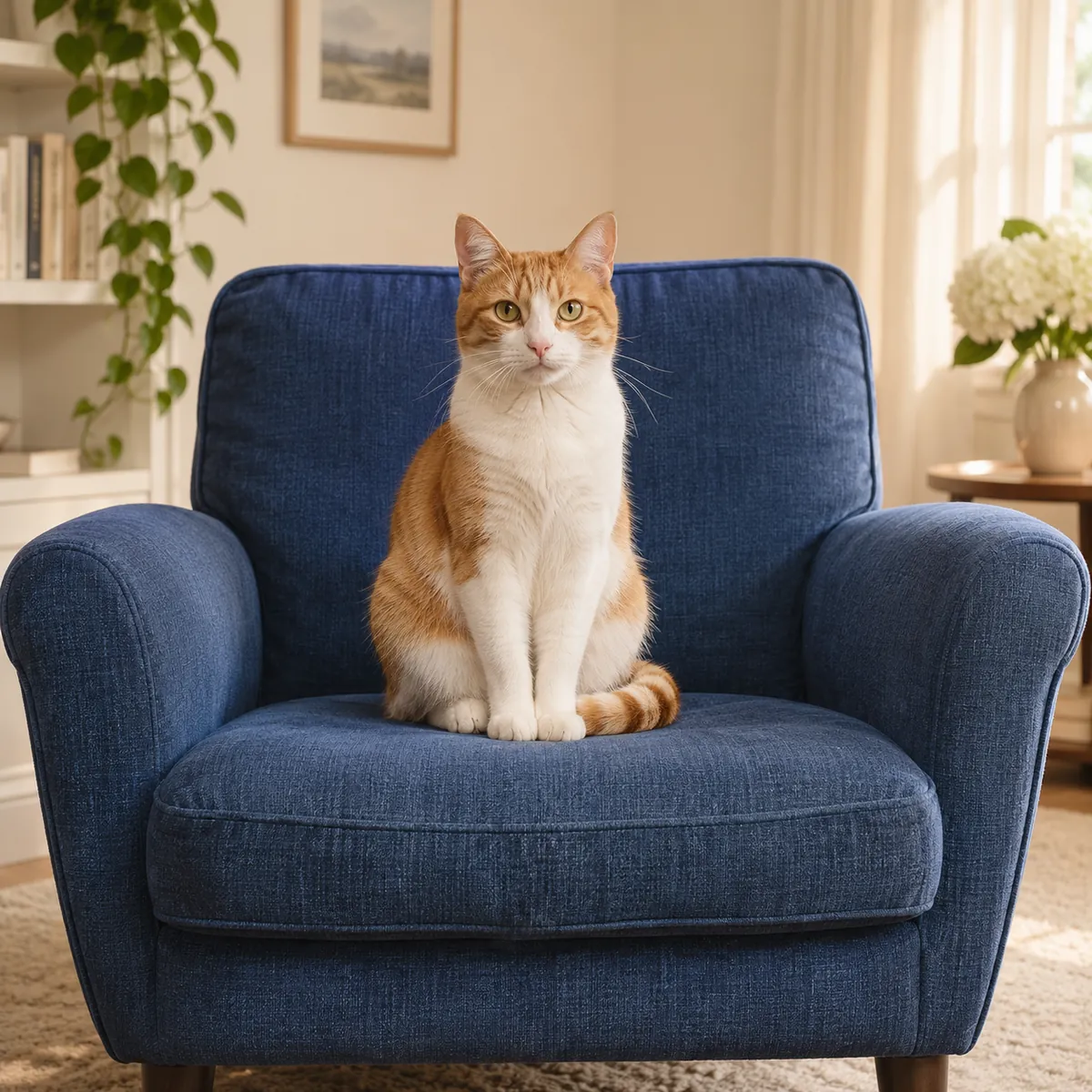
Choose a useful output size, then check sharpness at full scale. Enlarging an image does not make reconstructed detail a verified fact.
ANSWERS BEFORE YOU EDIT
What to expect from the tools, file handling, paid credits and your downloaded results.
Start with your original image, choose a focused treatment and keep the result that works for you. No signup is needed to select a photo.
Enhance photo


